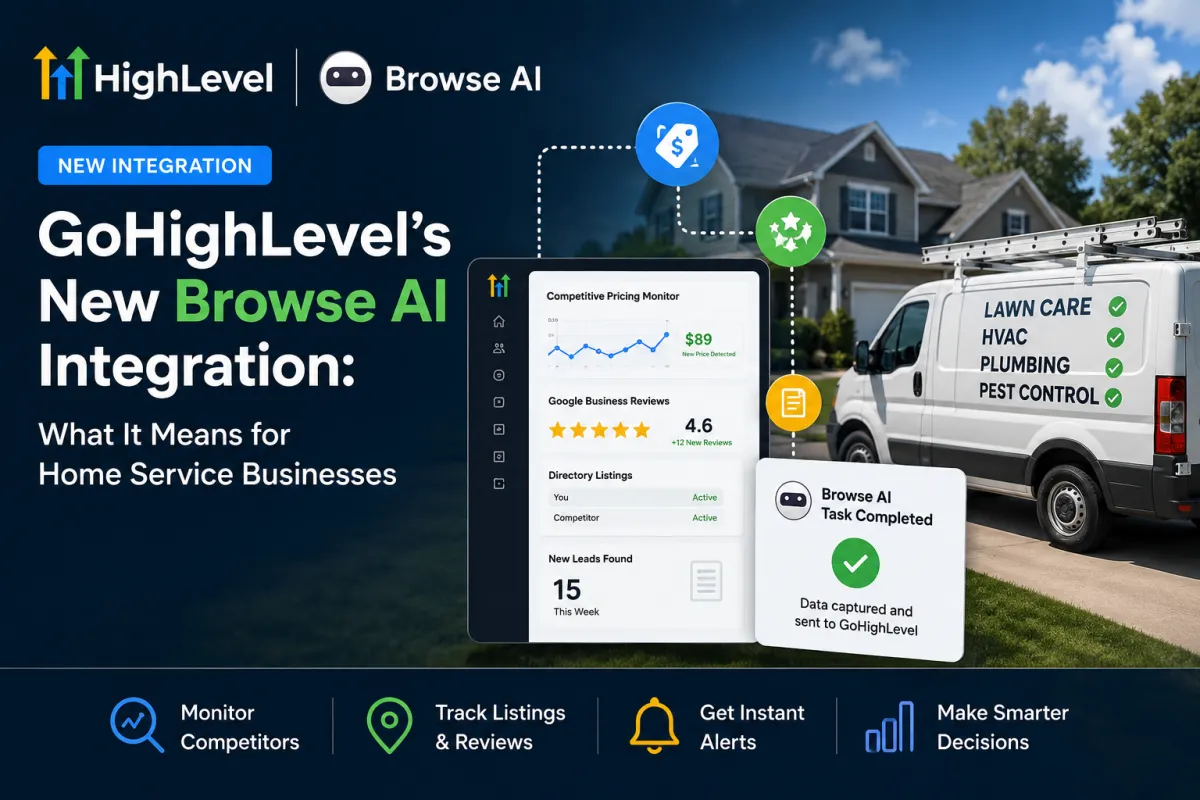
GoHighLevel's New Browse AI Integration: What It Means for Home Service Businesses
As of 2026, GoHighLevel has introduced a native Browse AI integration directly within its Workflow Builder. For lawn care, HVAC, plumbing, pest control, and other home service businesses, this means automated web monitoring can now flow directly into your CRM without relying on third-party automation platforms.
Whether you're tracking competitor pricing, monitoring online reviews, or keeping tabs on local service directories, this integration makes it easier than ever to automate competitive research and business intelligence.
What Is Browse AI?
Browse AI is a no-code web automation platform that allows users to train robots to extract data from websites automatically. Businesses can monitor pricing pages, online directories, review platforms, and other public web pages on a recurring schedule.
Previously, connecting Browse AI to GoHighLevel required tools such as Zapier or Make. The new native integration eliminates that extra layer, reducing both costs and complexity while allowing data to flow directly into GoHighLevel workflows.
How the Integration Works
The integration currently includes:
One instant trigger: New Completed Task
Four actions:
Run Task
Bulk Run Tasks
Get Task
Get Bulk Run
When a Browse AI robot completes a scraping task, GoHighLevel can instantly trigger a workflow. The collected data can then be routed into custom fields, notifications, reporting dashboards, or follow-up automations.
Why This Matters for Home Service Businesses
Most contractors don't have time to constantly monitor competitors, review sites, or local directories. This integration automates those tasks.
Competitor Pricing Monitoring
Receive notifications whenever competitors adjust service pricing, launch promotions, or change offers. This helps you stay competitive without manually checking websites every week.
Directory and Listing Monitoring
Track your business listings across platforms such as Google Business Profile, Yelp, Angi, and Nextdoor. Monitor new reviews, ranking changes, and missing information before they impact your visibility.
Lead Opportunity Discovery
Monitor public permit filings, local directories, or industry listings to identify potential customers before your competitors do.
Review Sentiment Tracking
Automatically collect and analyze review activity, allowing your team to respond quickly and maintain a strong online reputation.
The Cost Advantage of Automation
Many businesses assign competitor research to office staff or virtual assistants. While effective, manual monitoring can cost hundreds or even thousands of dollars per month and often becomes inconsistent when workloads increase.
An automated Browse AI and GoHighLevel workflow performs the same monitoring around the clock, delivering data directly into your CRM without requiring additional labor.
The result is more consistent intelligence, faster decision-making, and lower operating costs.
Real-World Example
Imagine a lawn care company tracking several local competitors' pricing pages and Google Business Profile review counts.
Instead of manually checking every week, Browse AI automatically collects the data and sends updates into GoHighLevel. If a competitor changes pricing or experiences a surge in positive reviews, the business receives immediate visibility and can adjust its marketing strategy accordingly.
This type of automated monitoring gives smaller companies access to the same competitive intelligence capabilities often used by larger organizations.
How to Set It Up
Step 1: Create a Browse AI Account
Sign up for Browse AI and train a robot to monitor the web pages you want to track.
Step 2: Generate an API Key
Within Browse AI, navigate to Settings and create an API key.
Step 3: Connect Browse AI to GoHighLevel
Inside GoHighLevel's Workflow Builder, search for Browse AI within the available integrations and connect your account using the API key.
Step 4: Build Your Workflow
Create a workflow that triggers when a Browse AI task completes. Route the collected information to notifications, custom fields, reports, or automated follow-up sequences.
Is It Worth Using Today?
Although the integration is currently labeled as beta, it is already useful for non-critical business intelligence tasks such as:
Competitor monitoring
Directory tracking
Review monitoring
Market research
Lead opportunity discovery
Businesses should still avoid building mission-critical operations around beta features until they become fully mature.
Frequently Asked Questions
Is the GoHighLevel Browse AI integration free?
The integration itself does not add additional GoHighLevel subscription costs. Browse AI maintains its own pricing plans based on usage, robots, and scraping credits.
Do I need coding experience?
No. Both Browse AI and GoHighLevel offer no-code interfaces, allowing most users to build workflows without technical expertise.
Is the integration reliable?
For monitoring and research workflows, yes. However, because it remains in beta, businesses should avoid depending on it for mission-critical processes.
How is this different from Reviews AI?
Reviews AI focuses on managing reviews for your own business profiles. Browse AI can monitor virtually any public webpage, including competitor websites, directories, and third-party listings.
Final Thoughts
The new Browse AI integration represents another step toward fully automated business operations inside GoHighLevel. For home service companies, it provides an affordable way to automate competitor research, monitor online visibility, and uncover opportunities without adding more work to an already busy schedule.
Businesses that leverage automation effectively gain faster insights, make better decisions, and spend less time on repetitive tasks. As AI-powered workflows continue to evolve, integrations like this will become an increasingly valuable competitive advantage.